Baked Tools App
The Baked Tools App can be downloaded here.
Currently only available for MacOS.

Setting Symlinks
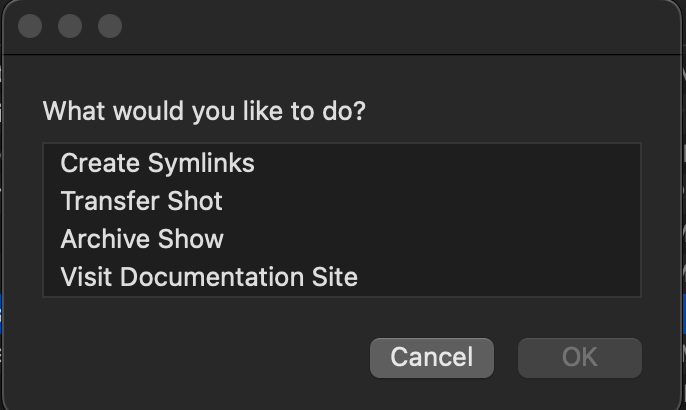
Setting symlinks is really easy! Open the Baked app, select the Create Symlinks option and then enter your project details. This will create the project folder in your root at {root}/{category}/{project_name} then create two symlinks, one pointing to Basket and one pointing to Suite. If either location is not set up, it will return a message letting you know.

You can set up one location without the other, e.g. Suite without Basket.
Coordinator Tools
There are a couple coordinator tools available in the app as well. You can Archive a show, which runs a script to copy all the shots from Suite back to Basket. You can also transfer a shot from Basket over to Suite. This is if a shot started on the LA/Basket side, but needed to become collaborative outside of the on-premise setup.
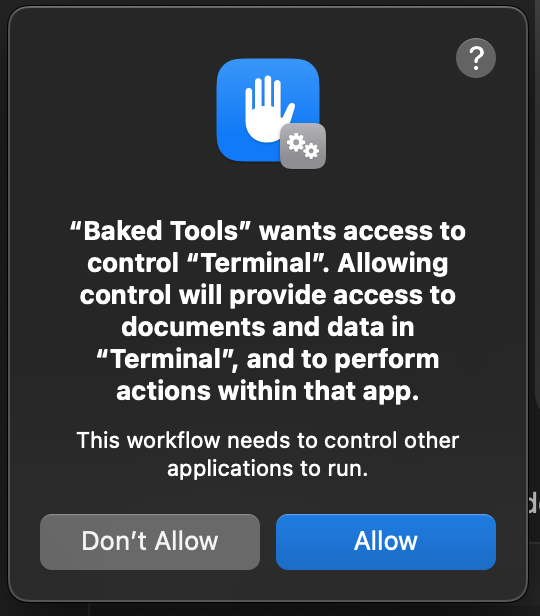
Make sure you enable access to Terminal from the app.
Transfering large amounts of data from Suite to Basket is best done with a computer that has an SSD with the project pre-cached. It's still doable otherwise, but this is just super speedy.