Flow PTR Desktop
info
You can download the installer for Flow Production Tracking Desktop here
Installing Flow
Once installed, you'll be prompted to login to your Autodesk account that's been set up as a user for Baked's Flow Production Tracking site.
Using Flow Desktop
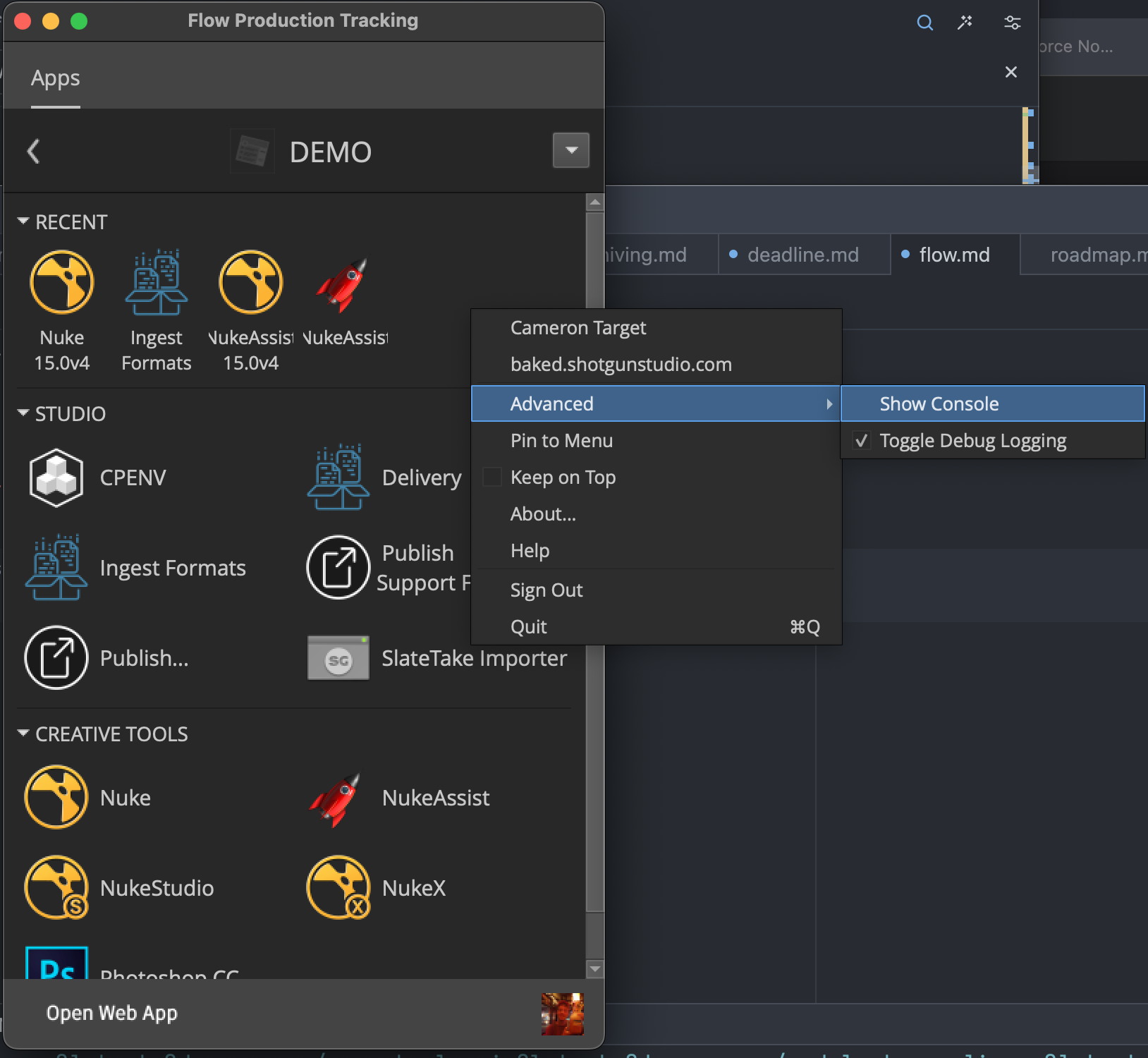
Flow's Desktop app is pretty intuitive. Once logged in, you can select from a set of projects you're involved in. It's important to always launch apps from within this context or the rest of the pipeline won't work.
Troubleshooting Flow
If you're having issues with something, or something won't open, you can always right click a blank space in the project page in Flow Desktop and select advanced->show console. This will give you error messages so we can see what's up.