Release | v1.6.2-bakedstudios.0.8.2
· 2 min read

Handling Handles
The new config has added support for new environment variables pulled form Flow PTR:
SHOT_CUT_IN
SHOT_CUT_OUT
SHOT_HEAD_IN
SHOT_TAIL_OUT
SHOT_CUT_DURATION
Having this information tracked and readily available will help in two main ways:
Artist Nuke Environment Set Head and Tail
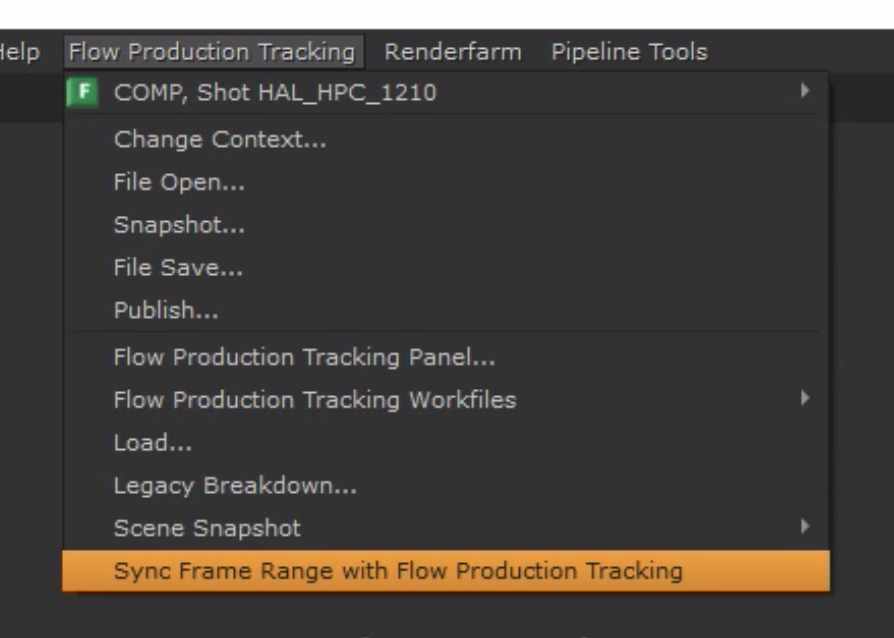
- Artists can now sync head-in and tail-out points for their comps. This will cover the full work area assigned to them for the shot. If plates are supplied longer, artists can rely on concrete numbers determined by coords and production and grab that data direct from SG.
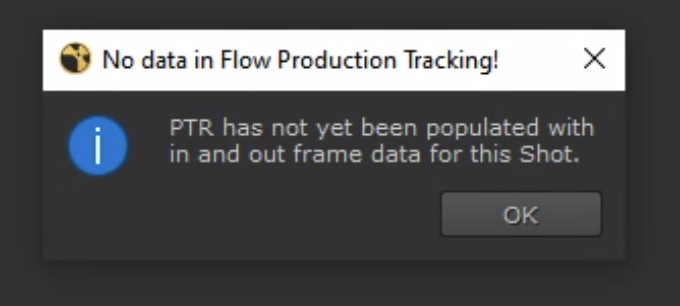
If the data has not been entered in Flow yet, you'll get this message:
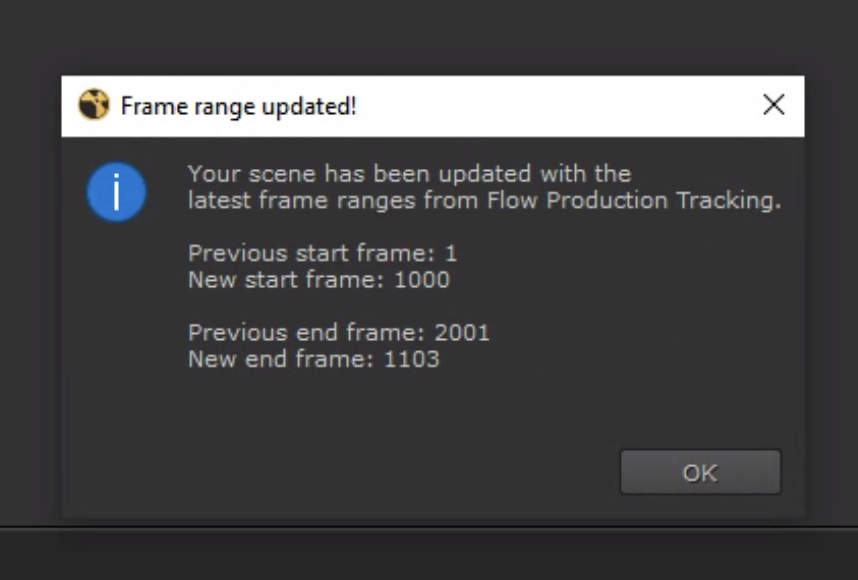
If it has been entered you'll get something like this:
Nuketranscoder Environment Variables for Handles
- An issue on HAL previously was having to re-run playlists constantly for small variations in deliverables. One example was a very specific handle based frame counter. To help with this, we'll continue passing more variables to the nuketranscoder from SG. In this case, we can use cut ins and cut outs to satisfy this request.
Example of the request:
Handles:
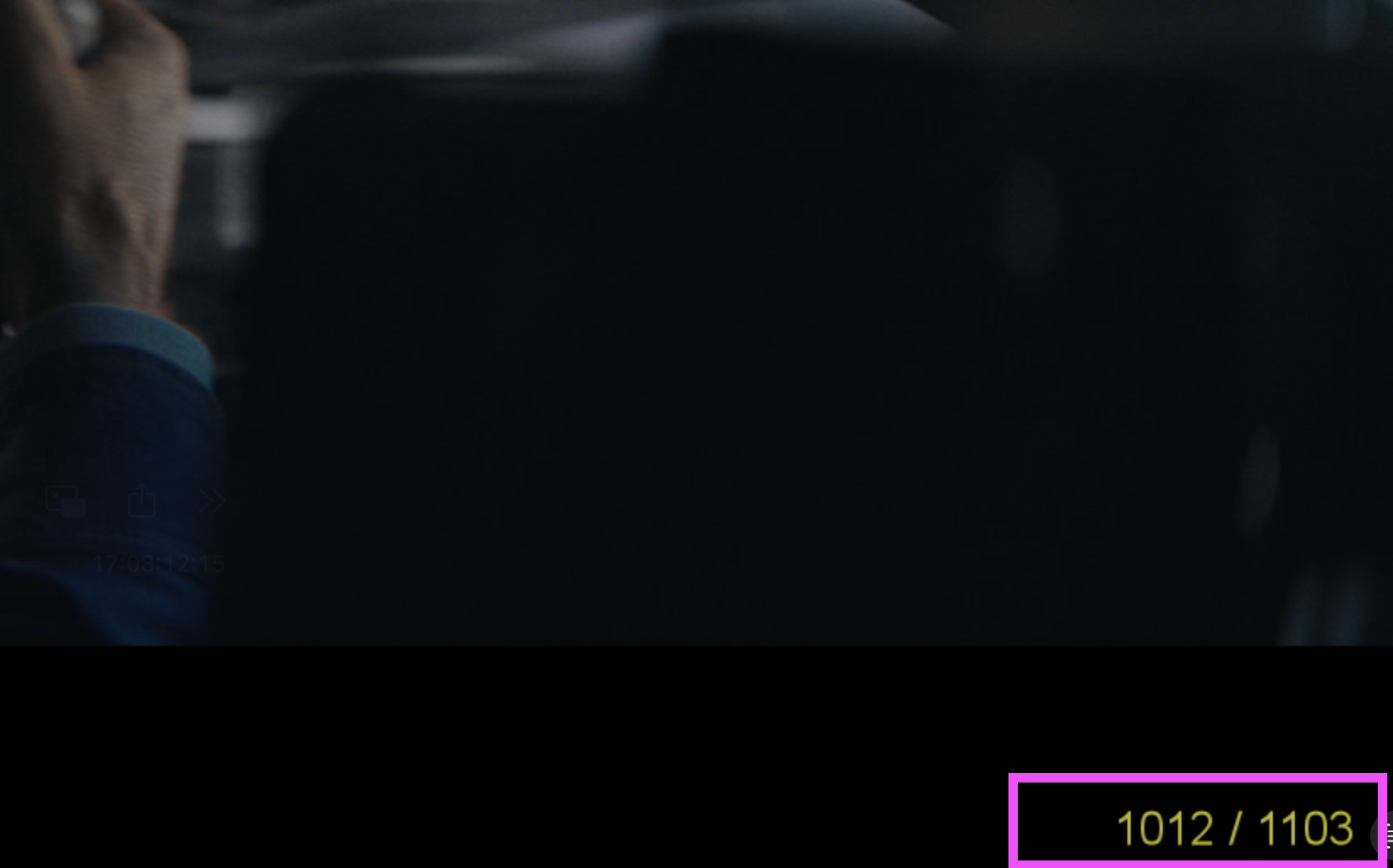
Cut range:
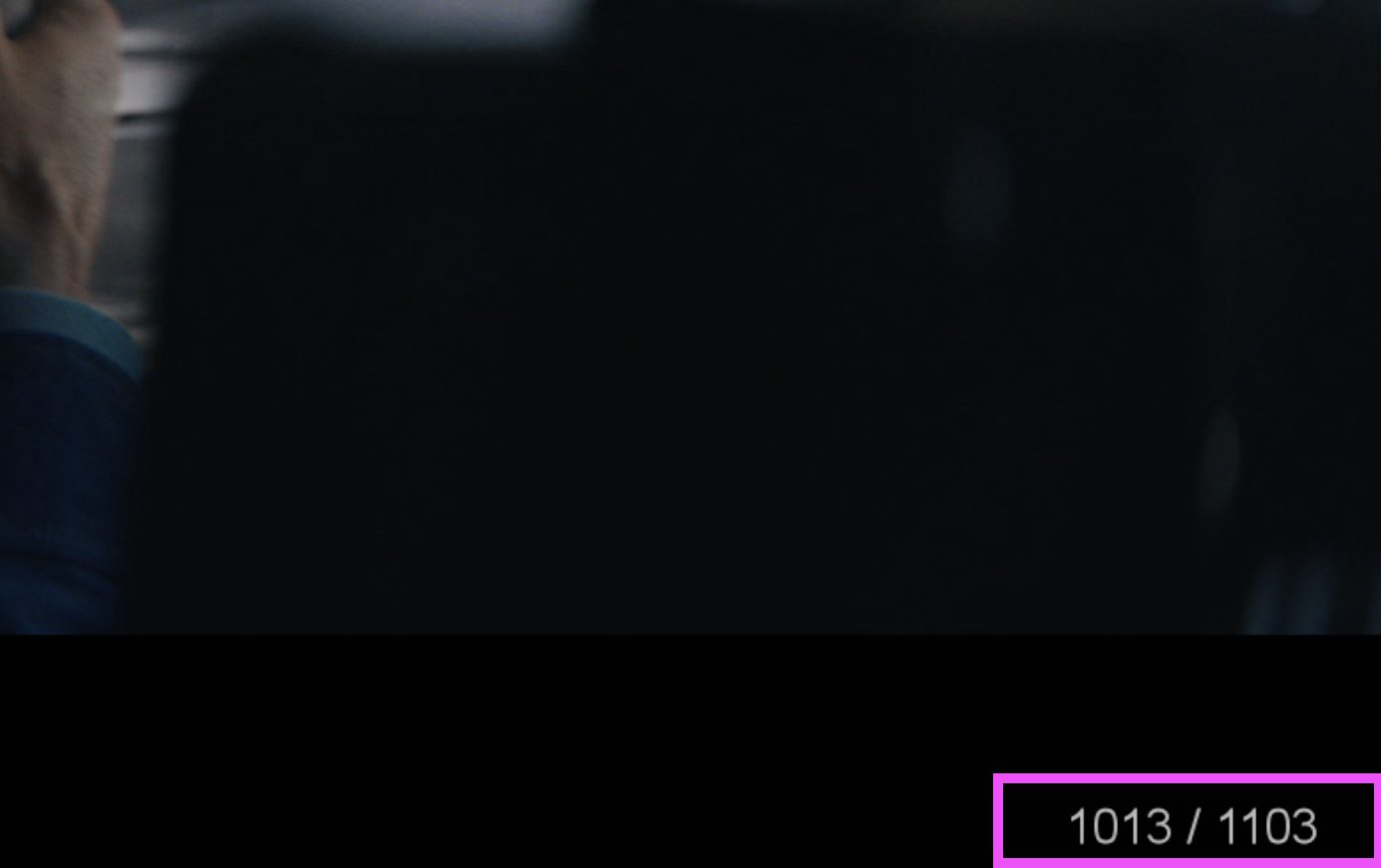
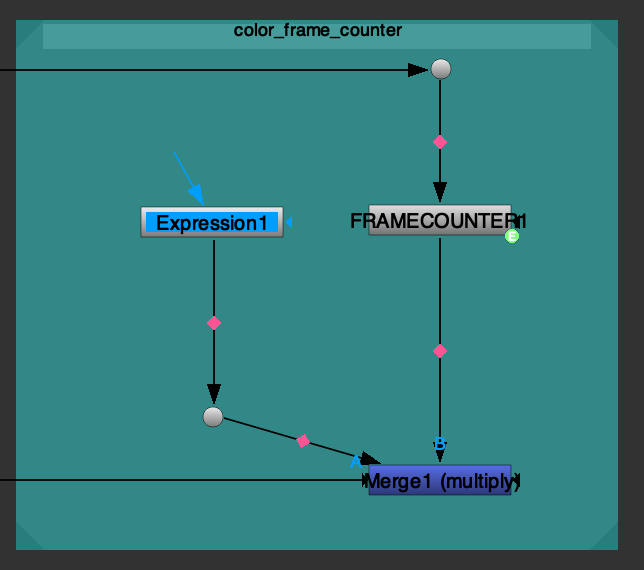
Here are the nodes in the render_template.nk that dictate the frame counter burnin's color:
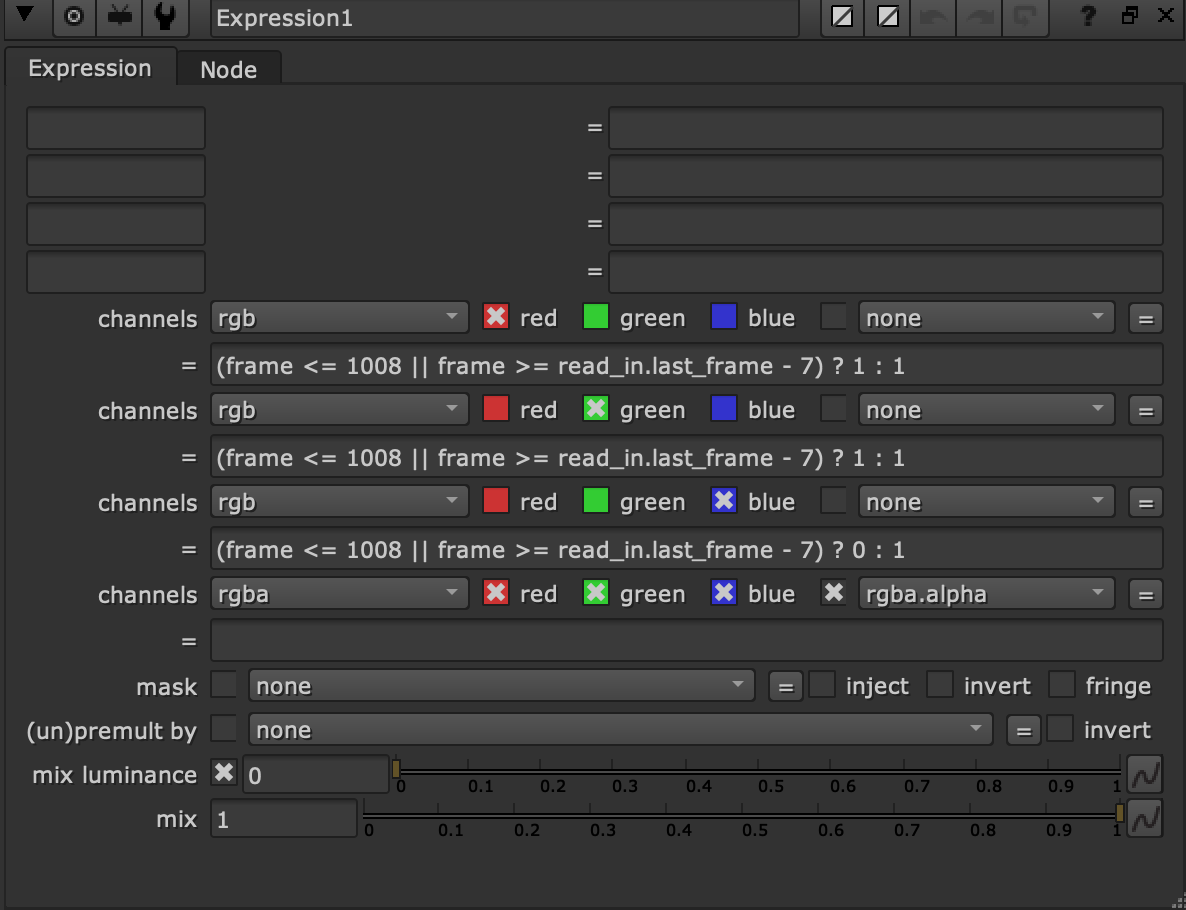
and here is the expression with baked in cut in points that had to be changed each time:
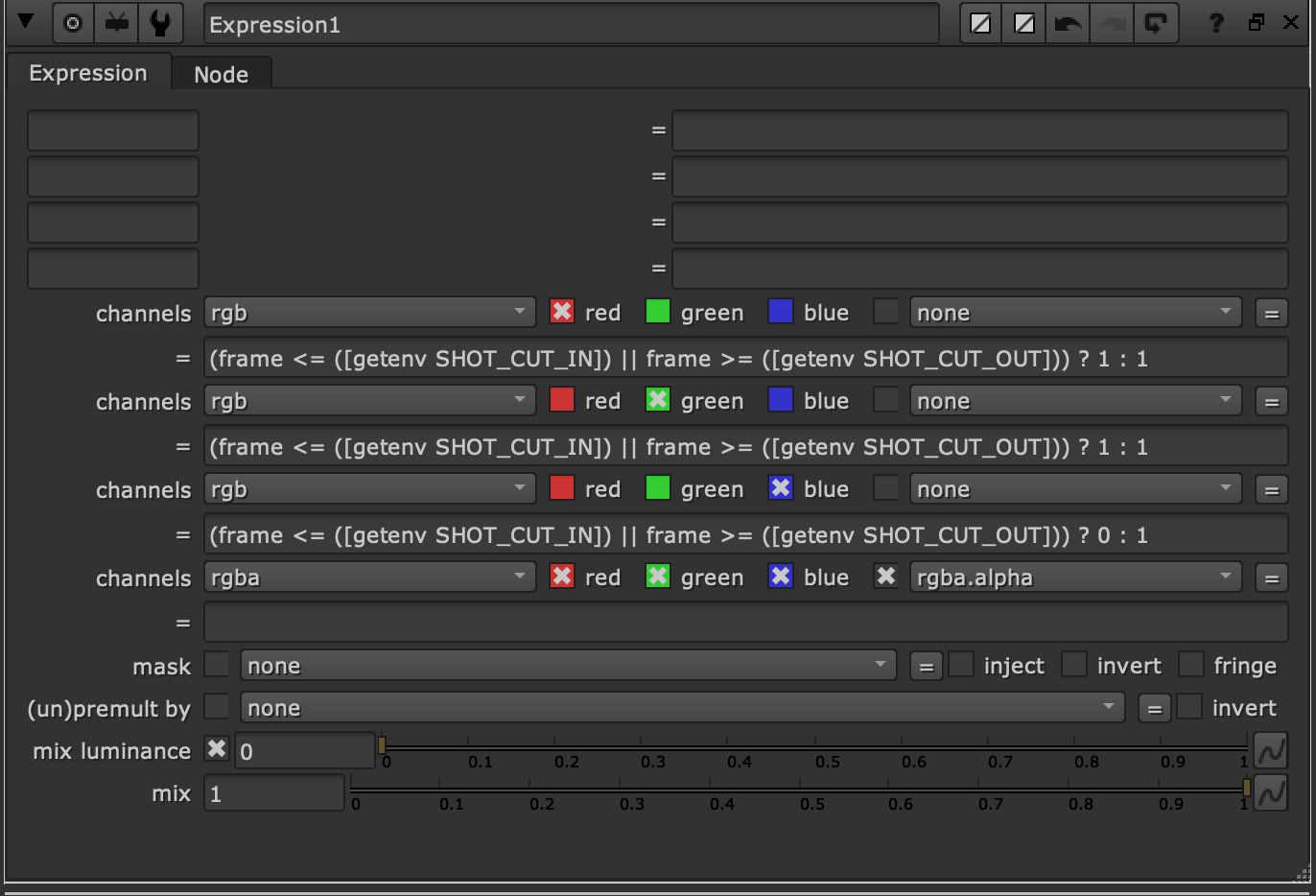
and here it is after:
Note to Production
It's important to make sure all these variables are set for shots. Here's the basic list of fields in SG that will need data:
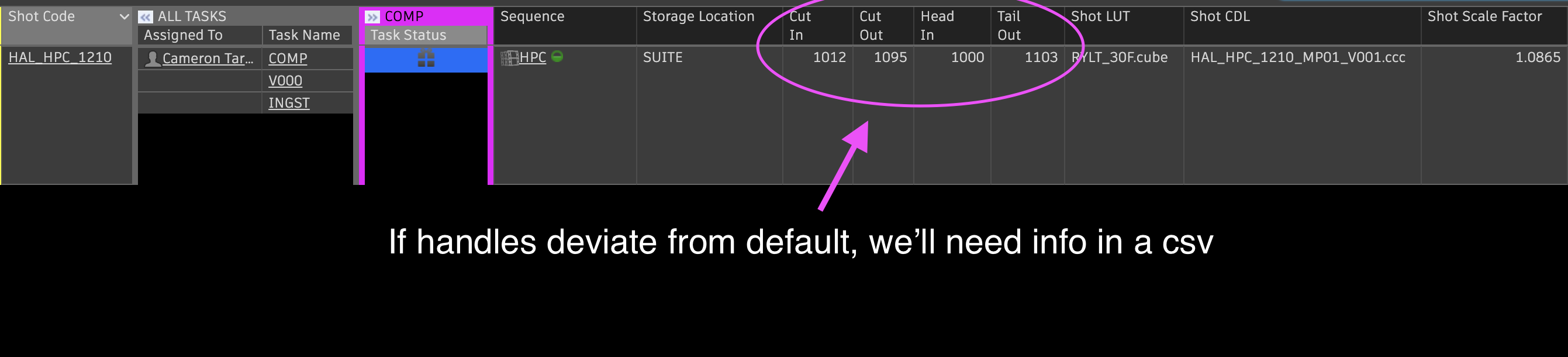
sg_sequence
sg_storage_location
sg_cut_in
sg_cut_out
sg_head_in
sg_tail_out
sg_shot_scale_factor*
sg_shot_lut
sg_shot_cdl**
note
- *sg_shot_scale_factor will default to 1.0 if nothing is set.
- **sg_shot_cdl is set by publishing the shot .ccc file.